article number
217184

Brodit 6-Port Expansion Hub 4K usbC - with cover

Price €174.95
Out of stock
-
+
  • Fast Shipping
  • High Quality Products
  • Secure Payments
Details
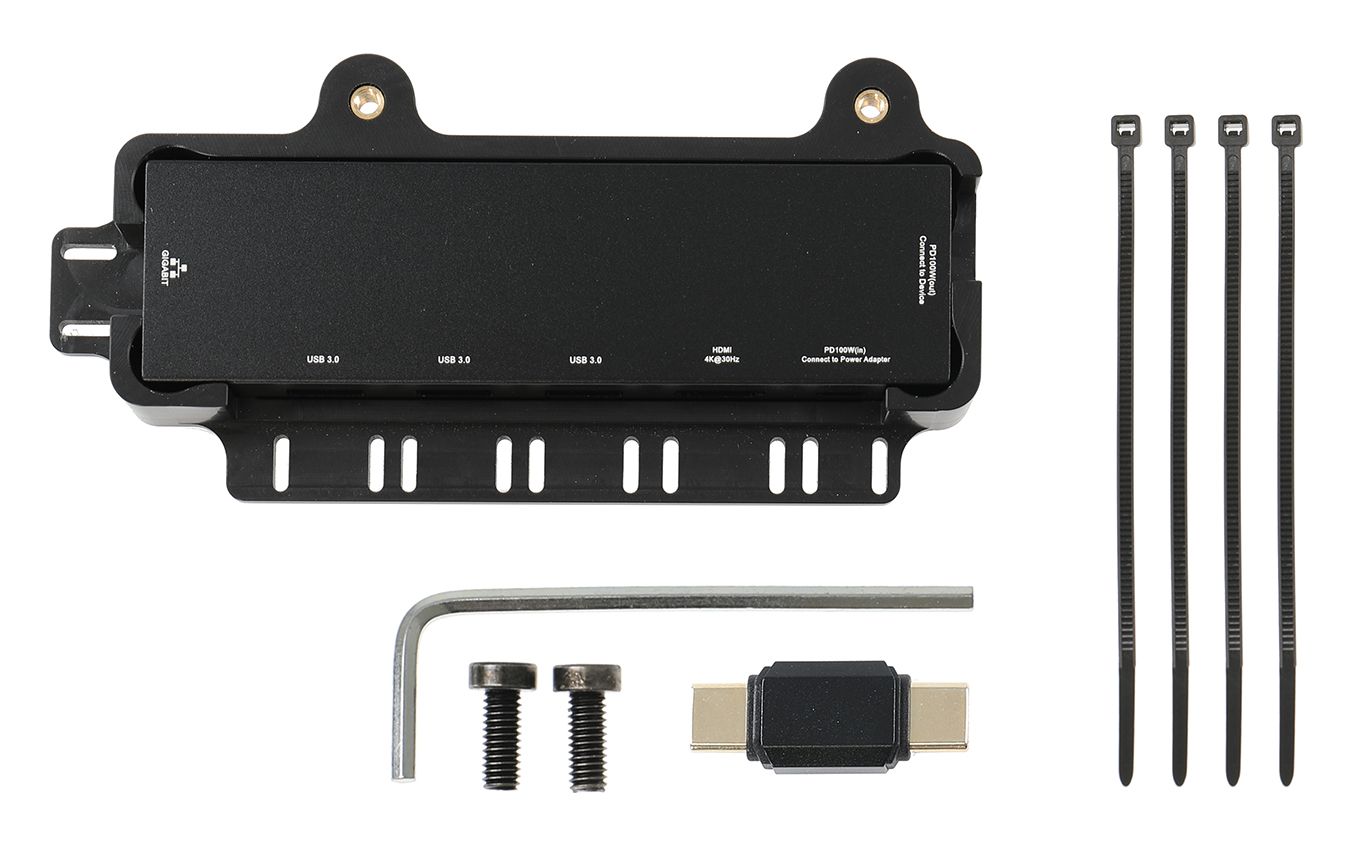
This hub uses USB 3.0+ to provide a USB-C connection for audio and video. Not all devices support external audio and video output through the USB-C port. If a device does not support this feature, the USB-C display port will not provide audio or video, but it will still function for connecting accessories such as keyboards, barcode scanners, RFID readers, and more.   The included mounting cover features cable retention that allows you to secure connected cables using cable ties, preventing them from shaking loose or disconnecting during use. It is designed to mount easily onto existing ModTek Docks and selected USB-C charging units using the included fastener kit – no tools required.   Function: RJ45 Port: 10/100/1000 Mbps USB-A 3.0: 5G data transfer & 7.5W(Max) output charging USB-A 3.0: 5G data transfer & 7.5W(Max) output charging USB-A 3.0: 5G data transfer & 7.5W(Max) output charging HDMI: 4K/30Hz USB-C female input(connect to power adapter): PD 100W(Max.) USB-C female output(connect to device): PD 100W(Max.)   Certification & Testing Standards CE, UKCA, FCC, RoHS, Prop CA65  
More Information
More Information
Accessory brand Brodit
Barcode 7320282171841
Packaging yes
Chargers USB connector type usbC + usbA
Laders en/of USB kabel Charger without USB cable
Datakabel USB connectoren usbC - usbC
Color black
Recommended retail price incl. VAT €174.95
Item Returns This item can be returned
Show more + Show less -
Compatibility
Show more + Show less -
Instruction
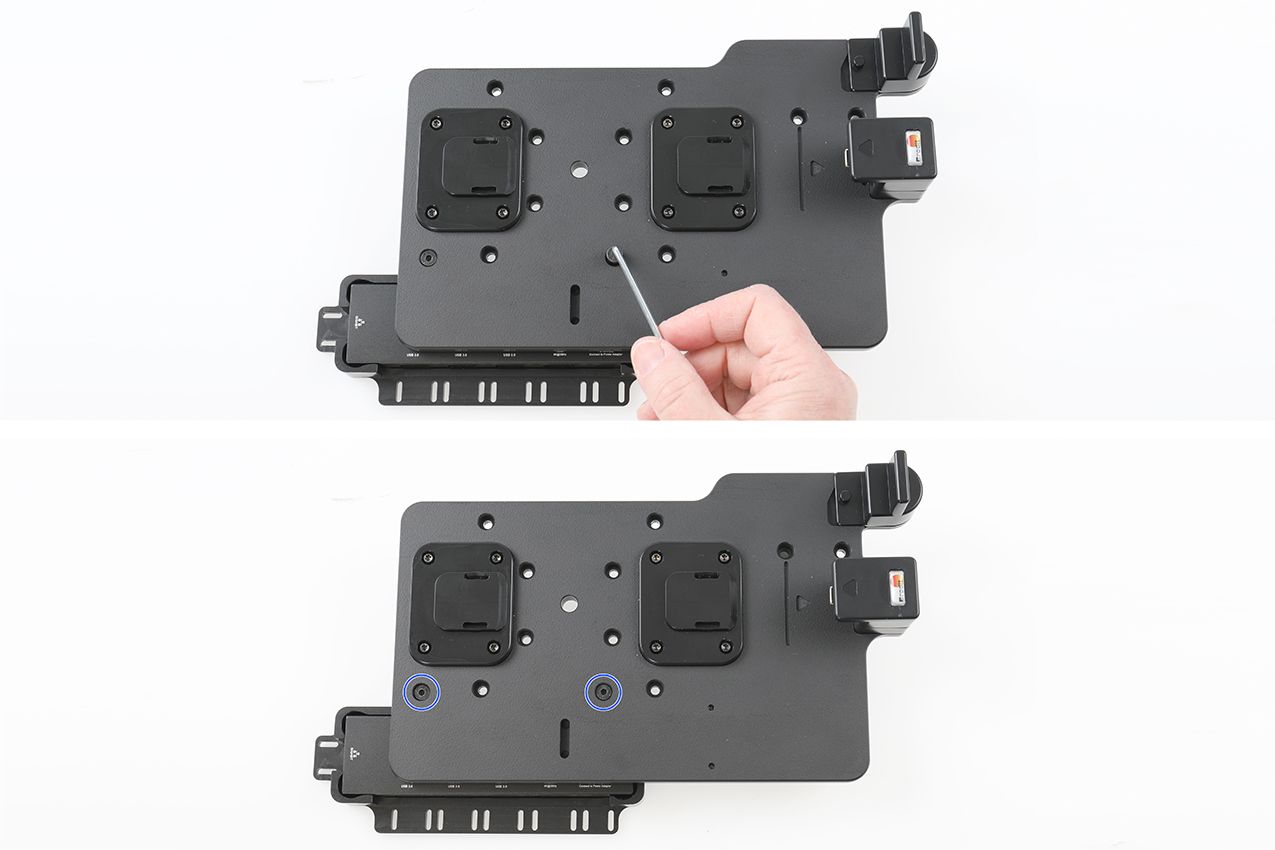
Please read all of the instructions and look at the pictures before attaching the module.   1. Hub and Cover: Before installing the hub, it needs to be inserted into the cover. Ensure the hub ports align with the cable retention slots as shown in the pictures. The included USB-C male to male adapter included is used to connect the hub directly to the back of the USB-C
3.1 dock.  
2. Slide the hub and cover onto back of the dock ensuring the USB-C adapter engages into the hub and secures it.   3. Secure the Hub: Using the included fasteners and tool, secure the hub cover to the dock.
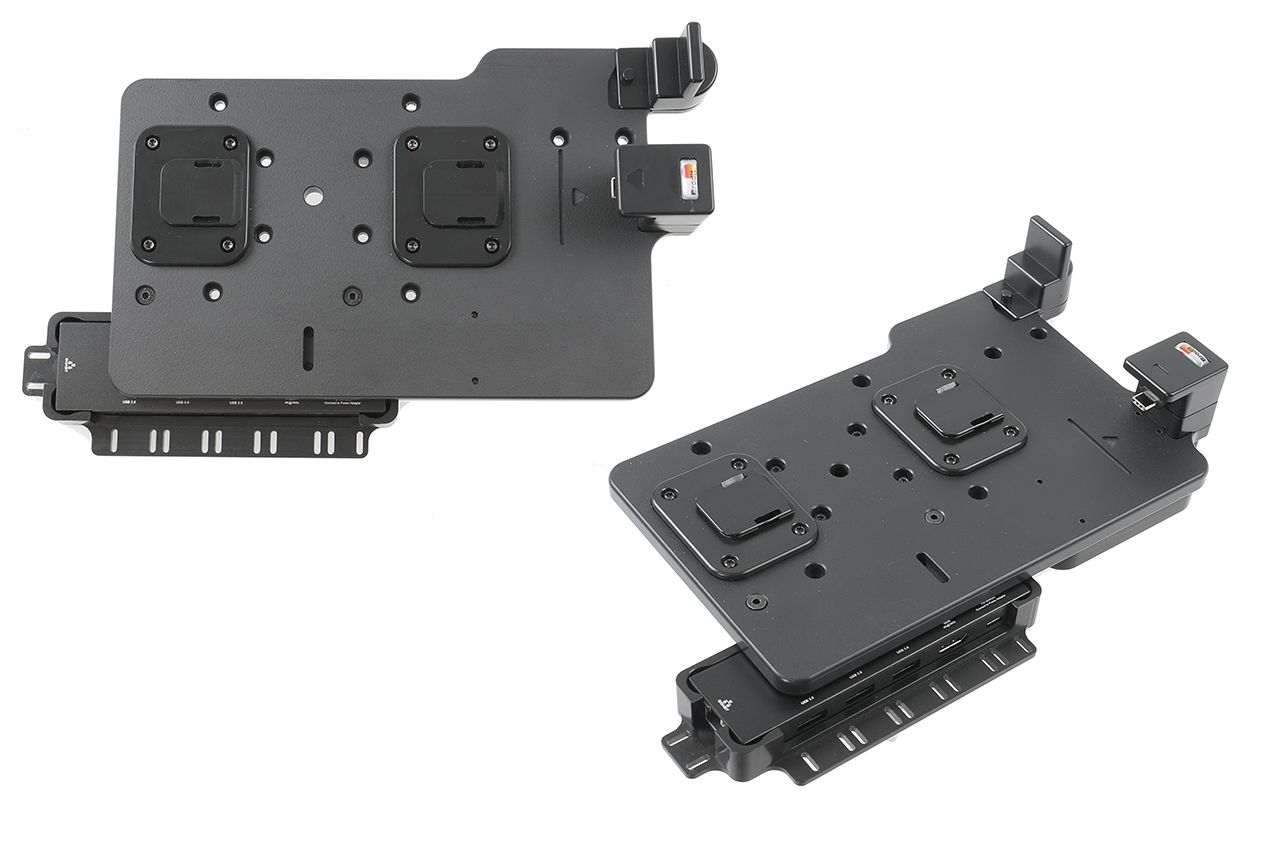
4. The holder and hub is in place.
Scroll to top